
When you walk into a store to buy any device with a screen—whether it’s a smartphone, monitor, or TV—you’ll come across a bunch of technical terms and abbreviations. Being able to understand them helps you know exactly what kind of display you’re getting. And no matter what you use your device for, resolution plays a major role in the quality of the picture.
Resolution describes the number of pixels that make up the image on your screen. It’s expressed as width by height. For example, a Full HD (1080p) monitor has a resolution of 1920 × 1080, meaning it displays 1,920 pixels horizontally and 1,080 pixels vertically—for a total of over two million pixels.
The higher the resolution, the more detail the display can show, assuming the content supports it. Higher-resolution screens can also fit more information at once, which is great for productivity and media viewing.
What QHD Resolution Is
Full HD didn’t stay the standard for long. The next big step forward was QHD, or Quad High Definition, which has a resolution of 2560 × 1440 pixels. It’s called “Quad” because it contains four times as many pixels as a 1280 × 720 HD display. This resolution is common in many flagship smartphones today.
Although the difference between Full HD and QHD can be hard to notice on a small 5–6-inch screen, manufacturers often choose QHD for premium devices because it delivers razor-sharp visuals and looks impressive in the specs.
You may also see WQHD, which stands for Widescreen Quad High Definition. It emphasizes the 16:9 aspect ratio, but technically it refers to the same 2560 × 1440 resolution as QHD.
Another common term is 2K. The industry often uses it loosely, but technically it applies to any display with a horizontal resolution slightly above 2000 pixels (like 2048 × 1080). Because QHD and WQHD fall in that range and are exactly half of 4K in each dimension, they’re frequently labeled as “2K.”
QHD Resolution for Gaming
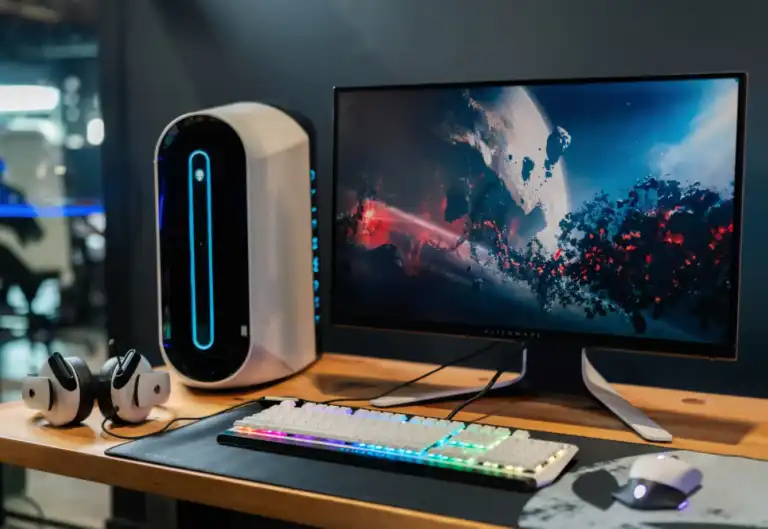
For many gamers, QHD has become the ideal gaming resolution. It strikes the perfect balance between Full HD and 4K, offering a noticeable boost in clarity without the heavy performance demands of 2160p.
QHD looks far better than 1080p but still lets you reach high frame rates—something that 4K often struggles with unless you have a top-tier graphics card. Mid-range GPUs like the AMD RX 580/590 or Nvidia GTX 1060/1660 Ti can handle 1440p very well, and even older or weaker cards can manage it at slightly lower settings.
Modern graphics cards handle QHD effortlessly, making it a popular choice among gamers who want both great visuals and strong performance.